
How to Create Personalized Videos for Cold Emails
Learn how to create personalized videos for cold emails that can significantly increase engagement and response rates in your outreach efforts.
How to Create Personalized Videos for Cold Emails
Standing out in crowded inboxes is tough. Personalized videos can change that. Emails with video content can boost click-through rates by 300%, and personalized videos perform even better, achieving 4.5x higher click-through rates than standard emails.
Here’s how to create effective personalized videos for cold outreach:
- Write a clear script: Start with a hook, deliver value, and end with a specific call-to-action.
- Keep videos short: Aim for 30–60 seconds to respect your prospect's time.
- Use automation tools: Platforms like Ghostbracket let you create thousands of personalized videos from one recording.
- Optimize emails: Include clickable GIF thumbnails and ensure mobile-friendly formatting.
- Track performance: Monitor view rates, watch time, and responses to refine your approach.
Personalized videos add a human touch, increase engagement, and make your outreach more effective. Tools like Ghostbracket simplify the process, helping you scale without losing the personal connection.
How to Scale Your Cold Outreach with Personalized Videos | Full Tutorial
Step 1: Write Your Video Script
A strong script is the foundation of a personalized cold email video. It sets the tone and ensures your message lands effectively. Without a clear plan, your video might miss the mark. The trick is to balance structure with a conversational tone - keeping it natural while staying on point.
Set Your Goal and Main Message
Before you start writing, decide what you want to achieve. Are you aiming to book a quick discovery call? Introduce a new feature? Schedule a demo? Your goal will guide every part of your script.
Once you’ve nailed down your goal, craft a single, clear sentence that captures your core value proposition. Think of this as your guiding star. For instance, if you’re reaching out to a marketing director at a SaaS company, your pitch might be: "I can help you cut customer acquisition costs by 30% in just 90 days."
Make your value proposition specific and measurable. Avoid vague statements like "we’ll help you grow your business." Instead, focus on real, tangible outcomes that address a challenge they’re likely facing.
Structure your script with three key parts: a hook, value, and call-to-action. The hook grabs their attention in the first few seconds, the value explains why they should care, and the call-to-action tells them exactly what to do next. This simple framework keeps your video concise and impactful.
Customize the Opening and Closing
With your main message in mind, personalize the beginning and end of your script to connect with your prospect. The first few seconds are crucial - they’ll decide whether to keep watching or move on. Start by addressing them by name and mentioning something specific about their company. Skip the generic openers like "Hope you’re having a great day."
Instead, try something like: "Hi Sarah, I noticed Acme Corp recently secured Series B funding and is planning to expand into Europe." This shows right away that your message isn’t just another copy-paste email.
Reference something timely and relevant - a recent company milestone, a LinkedIn post they shared, or an industry trend they’re likely dealing with. The more specific you are, the more engaged they’ll be. If you can’t find recent news, mention something about their role or company that shows genuine interest.
Your closing should feel just as tailored as your opening. Avoid ending with a generic "Looking forward to hearing from you." Instead, try: "Sarah, I know scaling internationally comes with unique challenges, especially around compliance. I’d love to share how we helped TechStart tackle similar issues when they expanded to Germany last year."
This approach sparks curiosity by referencing a relevant success story, making them more likely to respond.
After nailing your opening and closing, wrap up your video with a clear next step.
Add a Clear Call-to-Action
Your call-to-action (CTA) should be specific and easy to act on. Vague asks like "Let’s chat soon" can feel overwhelming. Instead, clearly outline what you’re proposing and how much time it will take.
Examples of effective CTAs include: "If this sounds interesting, let’s book a quick 10-minute demo. You can pick a time that works for you using [calendar link], or just reply to this email and I’ll send over some options."
Offering multiple response options makes it easier for the recipient. Some people prefer using a calendar link, while others might feel more comfortable replying directly. By accommodating both preferences, you increase the chances they’ll take action.
End with a soft alternative to keep the conversation open: "If now isn’t the right time, no problem at all. I’ll check back in a few months to see if things have shifted." This reduces pressure while showing respect for their schedule.
Keep your script short - aim for 45–60 seconds when spoken, which translates to about 120–150 words. Practice reading it aloud and trim any unnecessary parts to stay within the time frame. Shorter videos are less intrusive and more likely to be watched in full, especially in a busy inbox.
Step 2: Record and Edit Your Videos
Once your script is ready, the next step is bringing it to life through recording and editing. This phase is crucial - it can make the difference between a polished, professional video and one that feels rushed or amateurish. With a thoughtful setup and approach, you can create videos that grab attention and stand out in even the most crowded inboxes - without spending a fortune.
Setting Up for a Polished Look
First impressions matter, and your technical setup plays a big role in how your video is perceived. Lighting is key. Position yourself facing a window during daylight hours to take advantage of natural light, or use a simple ring light for consistent brightness. Avoid sitting with your back to a window, as this can create distracting shadows.
Don’t overlook sound quality - it’s just as important as visuals. Record in a quiet space and use an external microphone to ensure crisp, clear audio, which is a big step up from your laptop’s built-in mic. Keep your background simple and distraction-free. A plain wall, a neatly organized bookshelf, or a clean office space works well, making sure the focus stays on your message.
When recording, remember to smile. A warm, friendly expression makes you appear approachable, which can increase the chances of a positive response. Position your camera at eye level and maintain eye contact with the lens - this creates a sense of direct connection with your viewer. These small details can elevate the quality of your video and reinforce the personal touch of your message.
Keep It Short and On Point
People’s attention spans are limited, so aim for a video that’s between 30 and 60 seconds long. Videos under 90 seconds tend to perform best in terms of engagement, but every moment should serve a purpose. Focus on delivering your core message without unnecessary fluff.
Start strong with a personalized hook to immediately grab attention. Instead of opening with, "Hi, I’m John from ABC Company", try something more engaging, like, "Sarah, I saw your team recently expanded into three new markets - congratulations!" This approach not only captures interest but also shows you’ve done your homework.
Structure your message carefully. Begin with a brief introduction, address a specific challenge or need, present your solution, and end with a clear call-to-action. Cut out anything that doesn’t directly support your goal. Including video in cold outreach has been shown to boost response rates by up to three times compared to text-only emails.
Editing for a Smooth, Natural Flow
Good editing can make your video feel seamless and professional. Remove long pauses or awkward moments that might distract your audience. However, don’t over-edit. Leaving in a small mistake or a natural laugh can make your message feel more genuine and relatable.
You can enhance your video with simple visuals or graphics, like a quick screenshot, a relevant statistic, or a client logo, to reinforce your message and build trust. Make sure your video is optimized for all devices - text should be easy to read, and your face should be clearly visible, even on a small mobile screen. Test how your video appears across different email platforms to ensure it looks great everywhere.
Instead of embedding a full video file, consider using a clickable GIF thumbnail with a play button overlay. This not only avoids spam filters but also creates an engaging preview - perhaps featuring a friendly smile or a subtle motion to catch the viewer’s eye. Including videos in emails can increase open rates by up to 96%.
Finally, test your completed video to ensure it loads quickly and displays properly across platforms. A polished, well-optimized video is ready to be seamlessly integrated into your cold outreach efforts, leaving a lasting impression on your audience.
Step 3: Automate Personalization with Ghostbracket
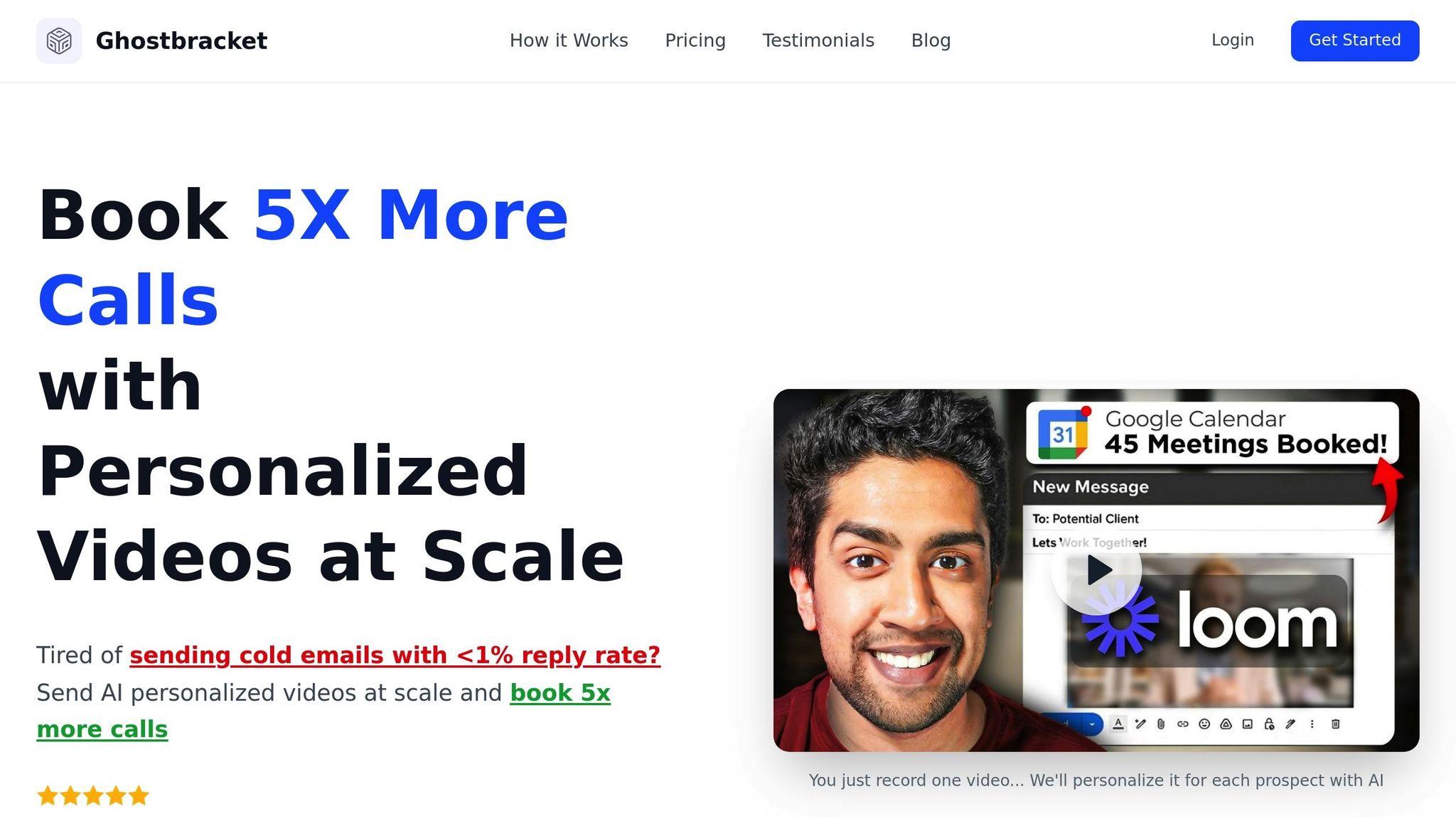
Once your video production is polished, the next step is to scale your outreach without losing the personal touch. Producing personalized videos for every prospect can feel like a Herculean task, but automation makes it manageable. Ghostbracket leverages AI to simplify and scale video personalization.
AI-Powered Personalization Made Simple
Ghostbracket takes a single video recording and transforms it into thousands of personalized versions by seamlessly adding prospect-specific details. It automatically integrates each recipient's name and a screenshot of their website into the video, creating the illusion of a one-on-one message. For instance, if Sarah from TechCorp opens her email, she’ll hear her name mentioned in the video and see her company’s website in the background. Meanwhile, Mike from StartupXYZ will experience his own tailored version.
Generate Thousands of Videos from One Recording
The efficiency here is a game-changer. With Ghostbracket, you can produce thousands of personalized videos from just one recording. The software matches your video with prospect data to create unique versions that maintain the personal connection essential for B2B outreach.
What’s more, it integrates smoothly with popular outreach tools like Instantly, Smartlead, and HubSpot, making it easy to scale your campaigns. Whether you’re running a small or medium-sized operation, Ghostbracket’s flexible pricing (ranging from $49 to $129 per month) ensures accessibility.
And there’s more - boost engagement even further with animated GIF thumbnails.
Boost Engagement with GIF Thumbnails
Adding GIF thumbnails to your emails can make a huge difference. These animated previews grab attention in crowded inboxes, acting as mini teasers that encourage recipients to click. The movement of a GIF sparks curiosity, helping your email stand out among the flood of text-based messages.
sbb-itb-227be83
Step 4: Add Videos to Your Cold Emails
Incorporating personalized Ghostbracket videos into your cold emails can take your outreach to the next level. But how you embed and present these videos matters - a lot. The technical setup plays a big role in whether your prospects engage or simply move on.
Embed Videos Directly in Emails
The trick to adding videos effectively is creating the illusion of an embedded video without actually attaching large files to your emails. Why? Sending videos as attachments can trigger spam filters and slow down delivery, which is a surefire way to lose your audience's attention.
Instead, host your Ghostbracket videos on a platform and include a clickable thumbnail in your email. Add a play button overlay to the thumbnail so it looks like an embedded video. When recipients see this, their curiosity is piqued, and they’re more likely to click through to watch.
To make this work seamlessly:
- Optimize your thumbnail image: Keep the file size small so it loads quickly, but don’t sacrifice visual quality. A slow-loading image can derail engagement before it even begins.
- Keep your email lightweight: All elements - images, text, and links - should be optimized to avoid triggering spam filters. The goal is to deliver a professional, polished email that lands in the inbox, not the spam folder.
Once your video thumbnail is set up, the next step is ensuring your emails look great on every device.
Make Emails Mobile-Friendly
Most professionals check their emails on their phones, so mobile optimization isn’t just a nice-to-have - it’s a must. Your email and video templates should be responsive, meaning they adjust automatically to fit any screen size, whether it’s a smartphone, tablet, or desktop.
Here’s how to ensure a smooth mobile experience:
- Clean layout: Keep your email design simple and uncluttered for smaller screens.
- Clickable thumbnails: The video thumbnail should be large enough to tap easily but not so big that it dominates the email.
- Readable text: Make sure the font size is easy to read without requiring zooming.
- Finger-friendly buttons: Any call-to-action buttons should be designed for easy tapping on touchscreens.
And don’t stop at the email itself. If your email directs recipients to a landing page, make sure that page is mobile-friendly too. A mobile-optimized email that leads to a desktop-only landing page creates unnecessary friction and can cost you valuable leads.
Test Email Delivery and Function
Before hitting "send", make sure everything works as planned. Testing is your best defense against technical glitches that could derail your campaign. Run tests to see how your email and video perform across different devices and email clients.
Here’s what to check:
- Email clients: Test your email in Gmail, Outlook, Apple Mail, and Yahoo Mail. Each handles images and links differently, so what looks great in one might not work in another. Confirm that your video thumbnail and play button display correctly.
- User journey: Simulate the entire process - from opening the email to clicking the video link and watching the content. Ensure the video loads smoothly and that personalized elements, like names or website screenshots, appear as intended.
A personalized video can be a game-changer, but it won’t make an impact if it doesn’t reach your audience or function properly. Testing ensures everything runs smoothly, giving your campaign the best chance for success.
Step 5: Track and Improve Video Performance
Once your personalized videos are live and integrated with your email campaigns, the next step is to measure how they’re performing and make improvements. Tracking performance data isn’t just a formality - it’s how you refine your strategy and get the best return on your investment. Without analytics, you’re flying blind and missing opportunities to make your campaigns more effective.
Monitor Key Metrics with Analytics
Ghostbracket’s analytics dashboard provides detailed insights into how your personalized videos are performing. It tracks the metrics that matter most for cold email campaigns, giving you a clear picture of engagement and effectiveness. Here are the key metrics to focus on:
- View rates: This shows the percentage of recipients who clicked through and watched your video. If your view rates are low, it might be worth experimenting with more eye-catching thumbnails or subject lines that spark curiosity.
- Watch time: This tracks how long viewers stay engaged with your video. If people are dropping off early, it’s a sign you might need to tighten your script or rethink how you’re delivering your message.
- Click-through rates: This measures how many viewers take action after watching your video. Since the ultimate goal of cold outreach is to generate responses and meetings, this metric directly reflects your campaign’s success.
- Response rates: These indicate how many recipients reply to your emails or book a meeting. Thanks to Ghostbracket’s integrations with tools like Instantly and HubSpot, you can track which videos are driving the most replies and adjust your approach accordingly.
These insights help you identify what’s working and what isn’t, so you can make informed tweaks to improve your results.
Adjust Based on Data
Analytics are only useful if you act on them. The patterns in your video performance data point to specific areas where small changes could make a big difference.
For instance, if your watch time data shows viewers dropping off at a certain point, revisit your script. Are you taking too long to get to the point? Maybe your introduction needs to grab attention faster, or your value proposition could be clearer.
If view rates are low, the issue might not be the video itself but how it’s presented in your emails. Try switching up your thumbnail design, using animated GIFs instead of static images, or repositioning the video higher in the email. Even small tweaks to the surrounding text can make a noticeable impact.
When response rates are underwhelming, take a closer look at your call-to-action. Is it too vague? Are you clearly addressing your audience’s pain points? Review your most successful videos to see what’s working - whether it’s a sharper focus on benefits, more specific next steps, or a stronger hook - and apply those lessons to underperforming campaigns.
You can also use timing trends to your advantage. If you notice that videos sent on certain days or at specific times perform better, adjust your schedule to align with when your audience is most likely to engage.
A/B Test for Better Results
Once you’ve made adjustments, take it a step further by running A/B tests. Testing different variations allows you to fine-tune your approach and see what resonates best with your audience. Here are some elements worth testing:
- Script variations: Experiment with different opening lines, value propositions, or calls-to-action while keeping everything else the same.
- Video length: Test whether your audience responds better to shorter, punchier videos or slightly longer ones with more detail.
- Thumbnails and GIFs: Try static thumbnails versus animated GIFs, play around with color schemes, or adjust the text overlay. Even small details like the placement of the play button can influence click-through rates.
- Email placement: Test where the video thumbnail appears in your email - higher up, lower down, or surrounded by different amounts of supporting text.
- Personalization depth: Compare videos with basic name personalization to those that include website screenshots, company-specific references, or tailored industry insights.
For reliable results, aim to test each variation with at least 100 recipients. Ghostbracket’s analytics make it easy to compare performance across test groups and scale up the winning strategies for larger campaigns. By refining your approach through testing, you’ll discover what drives the best engagement and responses.
Conclusion: Transform Cold Outreach with Personalized Videos
Personalized videos can completely change the game for your cold email campaigns, turning impersonal messages into meaningful interactions that actually get results. While traditional cold emails often struggle with reply rates below 1%, using personalized videos can increase those rates to an impressive 5–7% by fostering authentic human connections at scale.
If creating personalized videos seems intimidating, platforms like Ghostbracket make the process seamless. From scripting to tracking, their AI-powered tools allow you to produce thousands of tailored videos from a single recording. The platform takes care of the technical details, letting you focus on crafting messages that truly resonate with your audience.
This combination of efficiency and personalization creates a winning formula for engagement. Prospects notice the effort in the personalized details, which reflect genuine research, while you still maintain the scale necessary for effective B2B outreach - without spending endless hours on each video.
Features like GIF thumbnails grab attention in crowded inboxes, while detailed analytics help you fine-tune your approach for even better results. These tools make it easy to integrate personalized videos into your workflow and see measurable improvements in engagement and conversions.
The best way to get started? Keep it simple. Test different approaches, see what resonates with your audience, and refine your strategy based on actual performance data. Generic sales pitches are a dime a dozen, and your prospects are looking for partners who understand their needs and offer real value. Personalized videos give you the chance to stand out, build trust, and spark the kind of conversations that lead to successful partnerships. The tools are ready, the process is straightforward, and the opportunity to transform your outreach is yours to take.
FAQs
How can I make sure my personalized video emails are optimized for mobile and avoid spam filters?
To make sure your personalized video emails work well on mobile devices, stick with a responsive email design that adjusts seamlessly to different screen sizes. Use a clear, eye-catching thumbnail or preview image for your video, and don’t forget to add a play button - this small detail can significantly boost click-through rates. Before hitting send, test how the email looks and functions on various devices to ensure everything displays as intended.
When it comes to avoiding spam filters, personalization is key. Address your recipient by name and craft a message that speaks directly to their interests or needs. Choose a professional subject line and steer clear of spam-triggering terms like "free" or "urgent." To stay compliant with email regulations like CAN-SPAM, include a plain text version of your email and make sure there’s a clear, easy-to-find opt-out option for recipients who wish to unsubscribe.
What are the best practices for crafting an engaging video script for cold emails?
When crafting a video script for cold emails, your goal should be to make it clear, concise, and personal. Start with a strong hook - this could be as simple as mentioning the recipient’s name or referencing something specific about their business. The tone should feel conversational, and the focus should be on showing how your solution directly addresses their needs.
Incorporate 4-8 customizable elements that can be tailored for each recipient, like their name, company, or a challenge they’re facing. Keep the video short - ideally under 60 seconds - to hold their attention. Wrap it up with a clear call-to-action, such as inviting them to schedule a call or respond to your email.
How does Ghostbracket create personalized video emails without losing the human touch?
Ghostbracket takes personalization to the next level by crafting videos that feel authentic and tailored to each viewer. Through a mix of dynamic video elements and carefully written scripts, the platform ensures every message connects on a personal level - without coming across as robotic or overly automated.
It allows you to seamlessly include recipient-specific details like names, company info, or other relevant data directly into your videos. This method doesn’t just capture attention - it also helps establish trust, making your outreach more impactful and engaging.